How to Start
Last updated:
Register a free uaRO account on uaro.net and confirm it by e-mail before you play. Every version of the MMORPG has a different way to create accounts, and this page covers the uaRO version.
To play on the uaRO server you must first create an account. To do this, go to the website: https://www.uaro.net/
First, register an account. To do that, click the "Create an Account" button at the center of the screen.
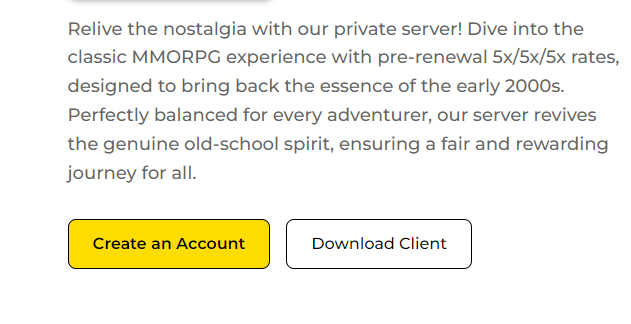
You will be redirected to the page where you create an account.
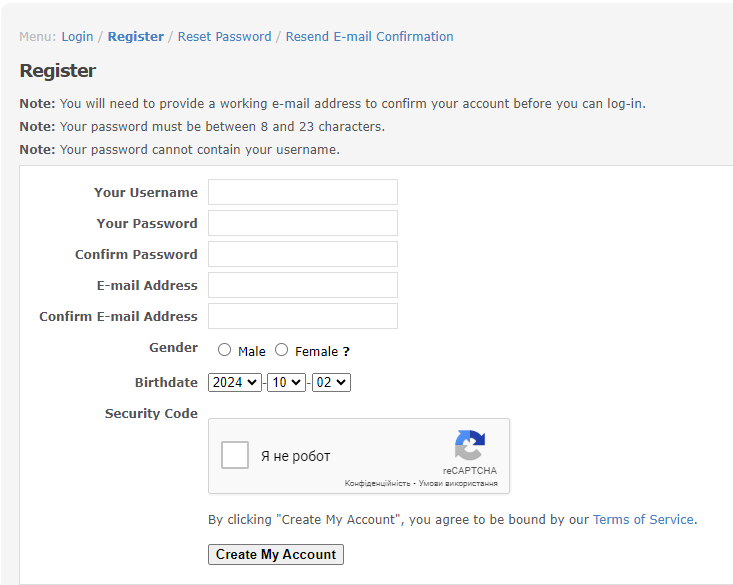
You need to fill out the form and submit it.
Note
Providing untruthful information may lead to missing out on some beneficial things.
Important
An e-mail to confirm the account will be sent. Confirm it, and the account will be activated. Account creation itself is free, and currently, players can create as many accounts as they want.
The sex entered during registration will not affect the characters in the game.
Make sure the ID and password are complex enough so that people won't be able to guess them. Also, sharing account information is not recommended. Doing so may place the account at risk of being compromised.
Spotted a mistake? Tell us in #wiki-errors on Discord.